Program Installation on each PC
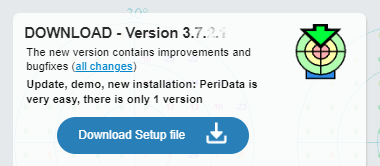 Download: The current installation file is found on our website www.peridata.com on the
DOWNLOAD page
Download: The current installation file is found on our website www.peridata.com on the
DOWNLOAD page
 DOWNLOAD page
There you click on the button "Download Setup file".
DOWNLOAD page
There you click on the button "Download Setup file".
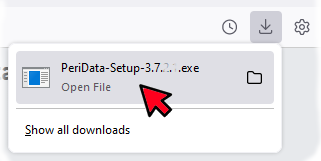 Installation: Open the downloaded file PeriData-Setup-.."version number"...exe It is possible that the administrator password of your computer is requested. Installation starts. Answer all question. Select the suggested installation folder. Installation takes 1 minute. Now the program is ready.
 Start the program: Click on the program symbol on the desktop. -- If installed for the first time, the program needs administrator privileges. The program restarts automatically in the Admin mode. As long as the license key is not yet registrated, PeriData will show the 2 buttons "Registration" and "Without License". Without license, the program is usable with all function during a demo period. The installation in the entire facility can be done without license. The registration can be done after purchasing a license.
Installation in the entire facility: 4 different configuration types for PeriData
There are several options (see tabs) to use PeriData in the clinic or office: standalone at one place, on several places, and partially or fully integrated into a medical record software. The programme itself is always the same, but with the start command parameters are given defining the database path, the patient name and other informations. Thus the program behaves according to the desired configuration.
Since the behaviour is defined from outside, no special settings are required in the program itself. The same start command works on every workstation. PeriData is simply installed on a new workstation and works immediately.